
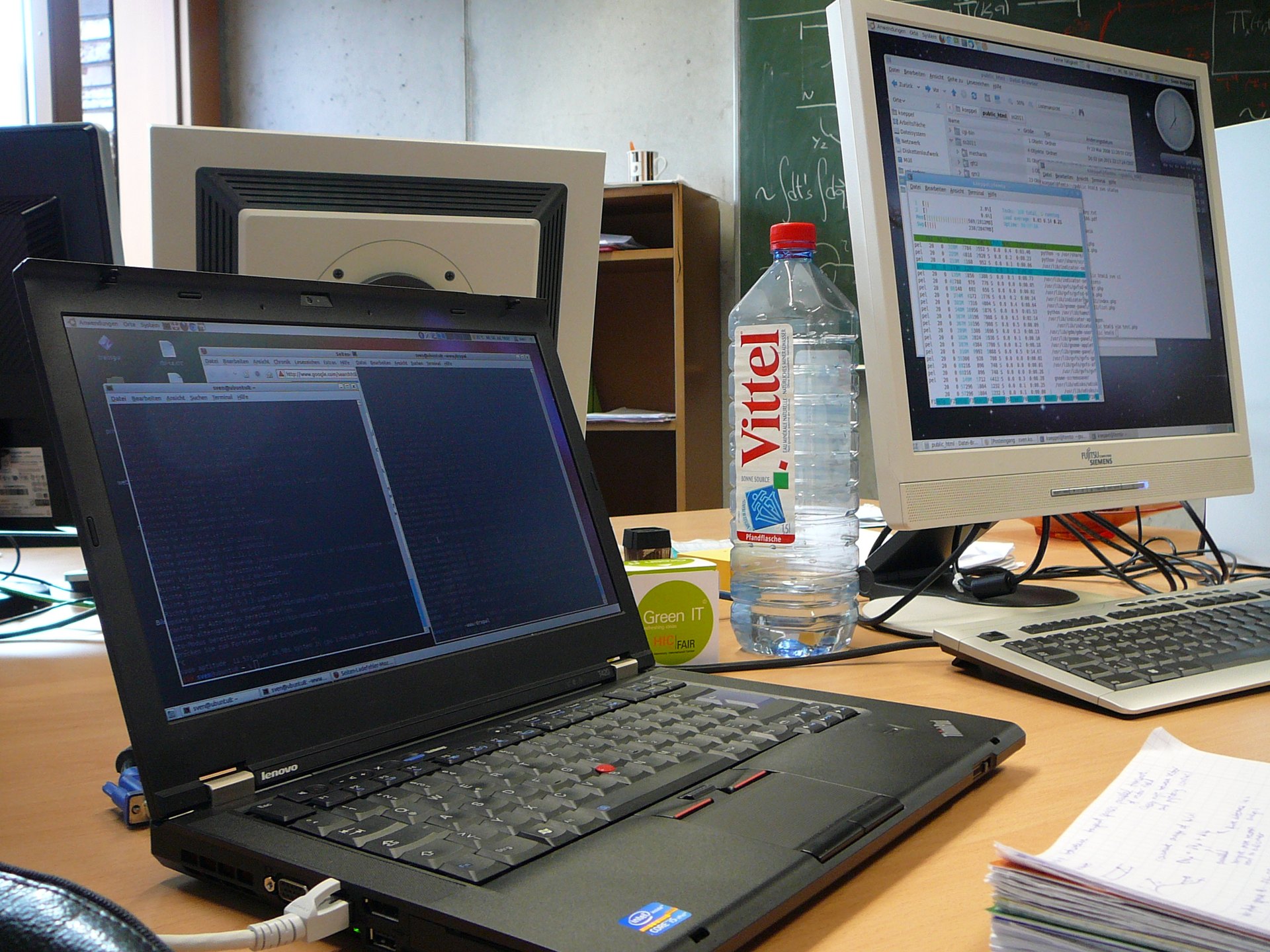
"On-premise" is an IT phrase that sounds colder than it is. In plain words, it means the system lives on machines you own, in a place you control — usually your own building — instead of on a vendor's computers in a data center you will never visit.
For AI, that difference is not a technical footnote. It is the whole question of where your words go.
What on-premise AI actually means
If you buy a copier, it sits in your office. Your contracts go through it, and they stay in the room unless someone carries them out. On-premise AI is closer to that than to a website you log into.
The software runs on a computer or a server that belongs to you. Your staff can talk to it through a simple chat window, the same way they would talk to a public chatbot. The difference is the path the question takes. It does not have to travel across the internet to a company that offers AI as a service.
Ars Technica, writing about why Apple restricted employee use of ChatGPT and similar tools, put the public model plainly: ChatGPT runs on OpenAI or Microsoft servers and is reached over the internet, and user data goes back to the developers for cloud processing. That is a cloud tool. On-premise AI is the opposite arrangement. The machine is yours. The work stays on it.
How that differs from a tool in the cloud
With a public tool, you are a guest on someone else's system. The vendor decides where the data lives, how long it is kept, and — unless you are on a plan with different rules — whether a conversation can be used to improve a later model.
OpenAI states that when people use its services for individuals, such as ChatGPT, it may use their content to train its models, unless they opt out. It also says that, by default, it does not train on inputs or outputs from its business products, including ChatGPT Team, ChatGPT Enterprise, and its API. Those are important distinctions. They still describe a system that lives on the vendor's side of the wall.
On-premise AI does not require you to sort consumer settings from business contracts in order to keep a customer file off someone else's servers. The file is on your machine, in your building.
In January 2024, the U.S. Cybersecurity and Infrastructure Security Agency joined allied agencies on guidance for people who use AI systems. That guidance covers threats that include privacy and intellectual property risks. In April 2024, CISA, the National Security Agency, the FBI, and partner agencies published guidance for organizations that deploy and operate AI systems developed by someone else. The details are written for security teams. The idea underneath is one a shop owner can use: if you are going to run AI, you should know where it sits, what it can reach, and how you will protect the data it uses.
Isolation, in plain words
Owning the machine is the first step. Isolation is the next one.
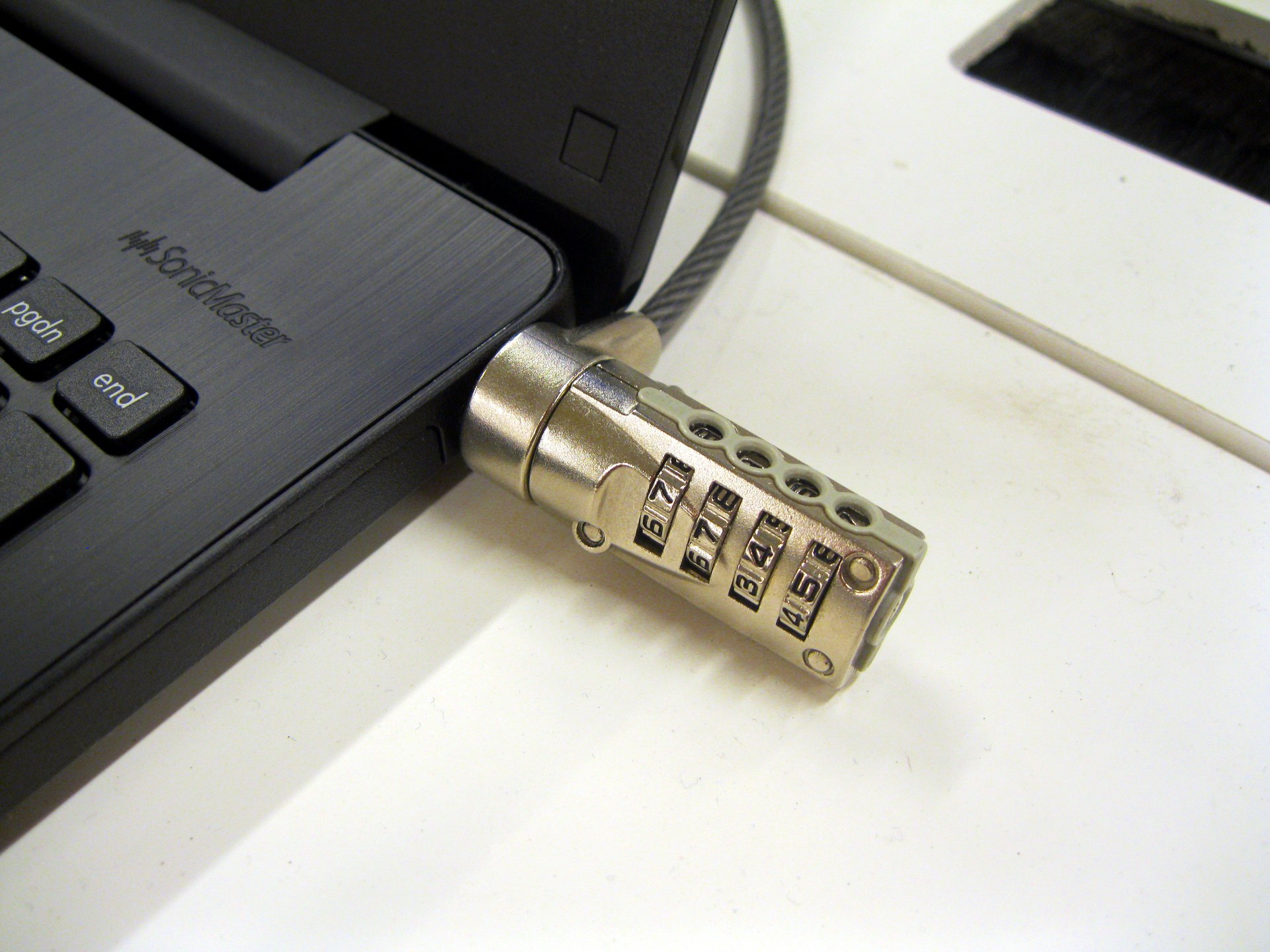
A system can sit in your building and still be connected to the internet. Isolation means you go further. After the AI is installed, it is sealed off from the internet, so your prompts and files have no path out of the building over the network. People sometimes call a setup like that air-gapped. The plain version is the one that matters: there is no line out.
That is also why a careful install loads your documents only after the system is already isolated. Your knowledge goes in once there is no network path for it to leave.
Isolation does not replace common sense. A person can still copy a file to a drive and walk it out the door. What it does remove is the quiet, constant path that exists when a chatbot you use all day is, by design, a service on the public internet.
What you own, and what stays put
With on-premise AI, you own the hardware outright. If you already have machines that can do the work, the system can be built on those. If you need more power, a server can be built for you, and it is still your equipment — not a rental in someone else's data center.
Your people stay in charge of what the system is allowed to do. Nothing should act, send, or publish until a person on your team approves it. Changes can be undone. If you ever need to stop every copy, you should be able to do that from one place.
Over time, the system can learn your operations, your documents, and the way your company works, using a private knowledge base that stays on your machines. That learning is part of the value. It should not become part of a model that lives somewhere else.
A practical way to think about it
You do not need a large IT department to understand the choice. If a document is too sensitive to email to a stranger, it is too sensitive to paste into a public chatbot. On-premise AI is a way to keep the help and keep the document.
If you want more on why businesses are making that move, read Why businesses keep local AI off the cloud. For the habit of pasting work into a public chatbot, see Shadow AI. If you would like to talk through what an on-site system could look like, visit How It Works or Sovereign Security AI.